Step 1
Create a Project
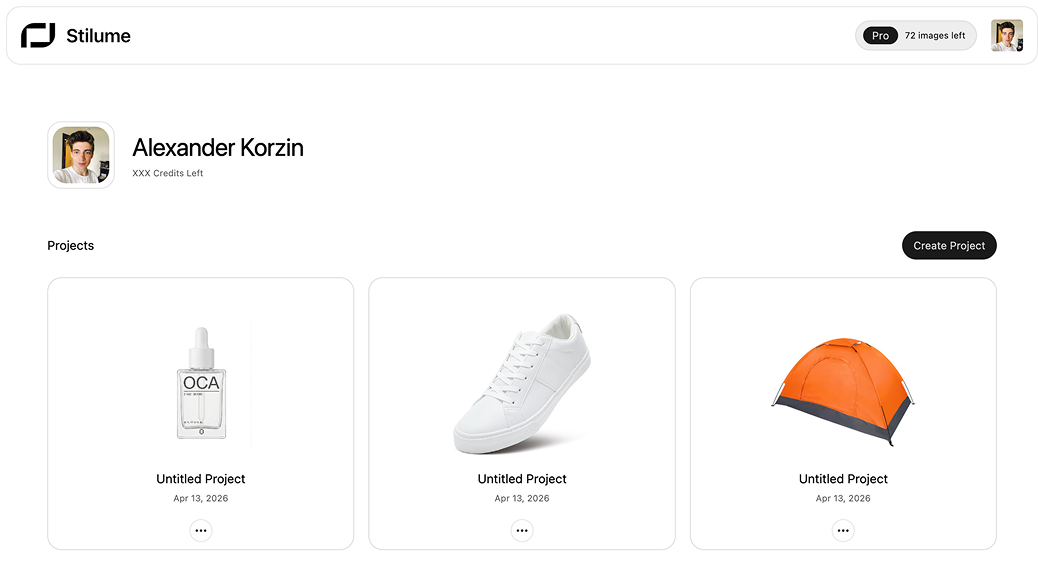
Start by logging in and creating a new project from your dashboard.
A project is your workspace for one product. It keeps your product image, scene setup, and generated results together in one place.
- 1. Sign in with Google.
- 2. Click "Create Project".
- 3. Pick the project name.
- 4. Open the project.
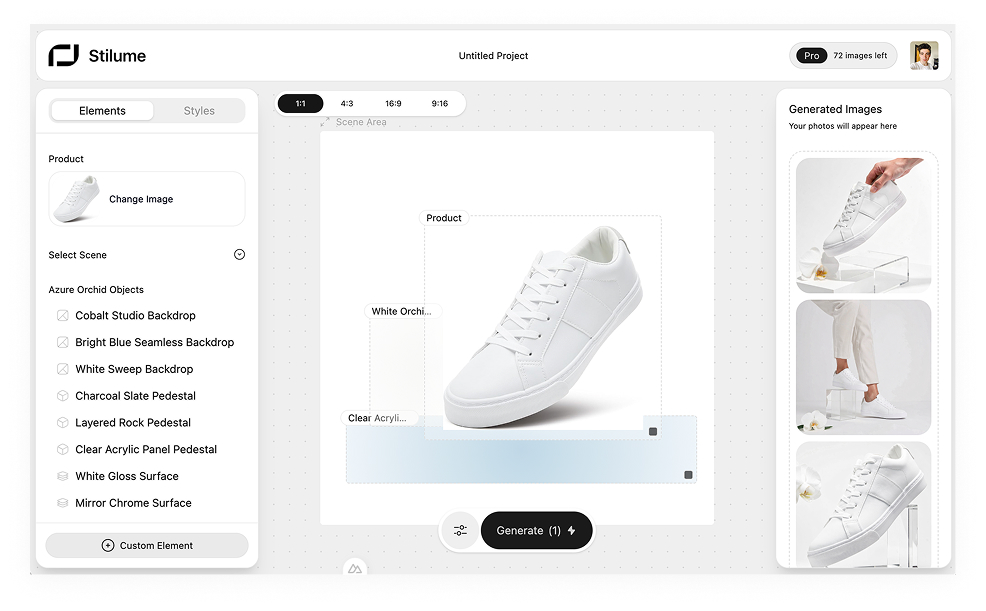
- 5. Upload your product image in the "Elements" panel.
Once your product image is uploaded, it will appear in the scene automatically.